What students need from a yoga studio website
Three kinds of people visit a yoga studio website. The beginner, often someone with a stiff back from desk work, wants to know which class to start with, whether they need to be flexible, what to bring and what the first visit costs. The newcomer to the city needs to know which classes are taught in a language they understand. The regular who is switching studios compares the timetable, the teachers and whether a class card or a monthly pass makes more sense.
The site has to answer all three without a phone call. That means a timetable people can narrow down, plain descriptions of each style and level, clear prices with the small print written out, teacher profiles, and a first step that feels easy. It also has to work on a phone, because many people check the timetable on the way to class.
How our demo studio handles it
Hiljaa Yoga Studio is a fictional studio in Vallila, Helsinki, created by VirtueInfo to show this kind of site working. It is not a client. The teachers, prices and reviews are samples, and the whole site runs in English and Finnish with a language switch on every page.
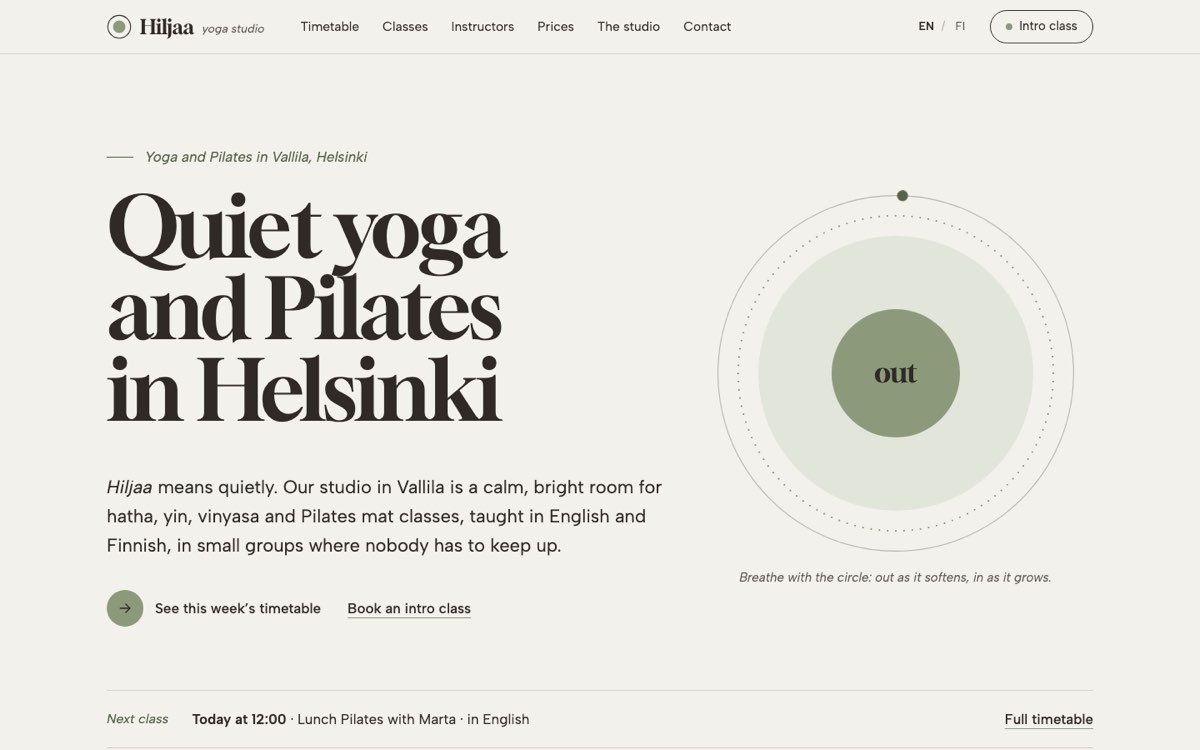
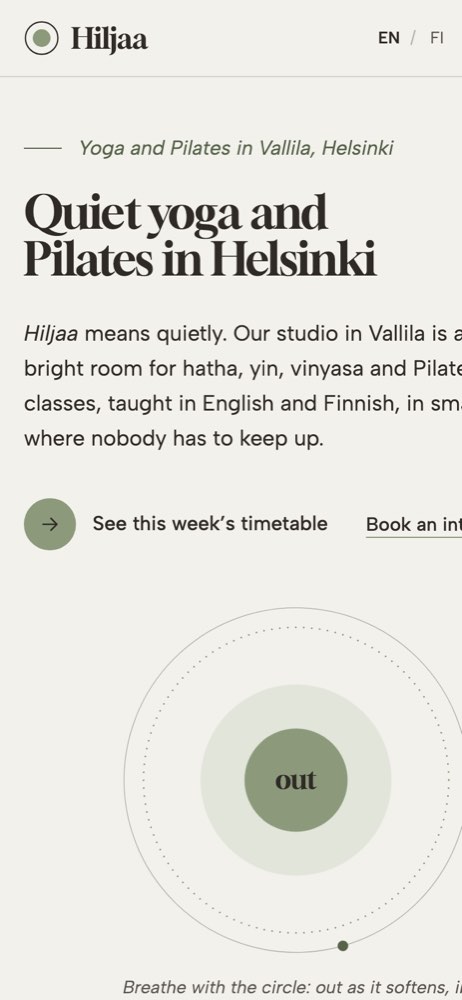
The home page has a slow breathing-circle illustration, a line showing the next class from the timetable, the four styles, a three-step guide to a first class and a short note on classes in two languages. The inner pages follow what each visitor needs:
- Classes explains hatha, yin, vinyasa and Pilates mat: pace, length, levels and who each one suits, with a link to that style in the timetable.
- Instructors introduces five teachers with drawn poses, the styles and languages they teach and a link to only their classes.
- Prices lists the intro week, drop-in, class card, monthly pass and private session, with student and senior rates and the cancellation rules.
- The studio covers the room, what to bring, how a class begins, accessibility and how to get there.
- Contact holds the intro class enquiry form, hours and what happens after you write.
The timetable is the signature feature. It shows 25 weekly classes, each marked with style, level, teacher and EN or FI for the language. Filters for style, level and language hide what does not fit, update a count of matching classes and mark empty days. The chosen filters are kept in the page address, so a teacher can send a student a link to beginner classes in English. On a phone, the week turns into a day picker that opens on today in Helsinki time. Each class has a "try this class" link that opens the enquiry form with that class already selected.
The prices page adds a pass finder. The visitor picks how often they will come and their rate, and the page shows the cheapest option with the monthly cost of the others for comparison. In the demo the enquiry form sends nothing. On your site it goes to your email, your booking system or your CRM.
Local SEO built in
The pages carry schema.org markup using the SportsActivityLocation type, with the city, opening hours, studio features, offers for each pass and FAQ markup on the prices page. Titles pair each page with the city, for example a yoga timetable or yoga class prices in Helsinki, and the Finnish pages target the Finnish searches in the same way. The studio page names the district and how to reach it by tram and bike.
We match your studio name, phone number, hours and classes with your Google Business Profile. Drawn illustrations and self-hosted fonts keep the pages light on mobile data. The demo pages are not indexed because the studio is fictional. A client site launches fully indexable with your real address, map and both languages linked for search engines.
Notes for each market
India
Indian studios usually show fees in rupees and take payment by UPI, with class reminders and questions on WhatsApp. We can add a WhatsApp button beside the timetable and a Hindi or regional language version. Teacher training and certification details sit well on each profile.
USA
American students expect prices in US dollars, an intro offer for new students and clear cancellation rules. We write in American spelling and can show each teacher's training hours or certification. Class links can go straight to your booking system so students reserve a mat in one step.
Canada
Canadian studios show prices in Canadian dollars, often with tax added. A studio in Québec needs French as a full language, with a French timetable and class names, which the demo structure already supports.
Australia
Australian students expect prices in AUD including GST, intro passes and class packs. We use Australian English and can add the ABN to the footer.
Finland
The demo is written for Finland: Finnish and English pages, prices in euros including VAT, and a place for the Y-tunnus. The prices page mentions employer sport and culture benefits in general terms, since many Finnish students pay that way. Swedish can be added as a third language.
What we deliver and how the project runs
We design the site around your studio and brand, then write the content with you: styles, levels, teachers, passes, house rules and the questions new students ask at the door. The timetable is built from your real schedule and can be updated by your team or fed from your booking system.
We connect enquiries and bookings to your booking system, email, WhatsApp or your CRM. You review everything on a staging link, and at launch we hand over the site, the logins and a short editing guide. We can then look after updates, security and hosting through our healthcare and wellness software services.
Send us your studio name, your timetable and how students book today, and we will reply with a quote. Ask for a quote.