What candidates and employers need from a recruitment website
An agency site serves two groups at once. Candidates come to scan open roles, often on a phone during a lunch break, and they want to judge a job before handing over personal details. Hiring managers come to see whether you know their field and how a search would run.
The candidate wants to filter by type of work and by on-site or hybrid, and to know who will see their CV. The employer wants to know what a brief involves, how often they will hear from you and how you check references and work rights.
That gives the site a short list of jobs. It must show current roles in a form that is quick to filter, let a candidate respond to one role without a long application, explain consent in plain words, give employers a simple route to start a search and make your local patch obvious.
How the demo handles it
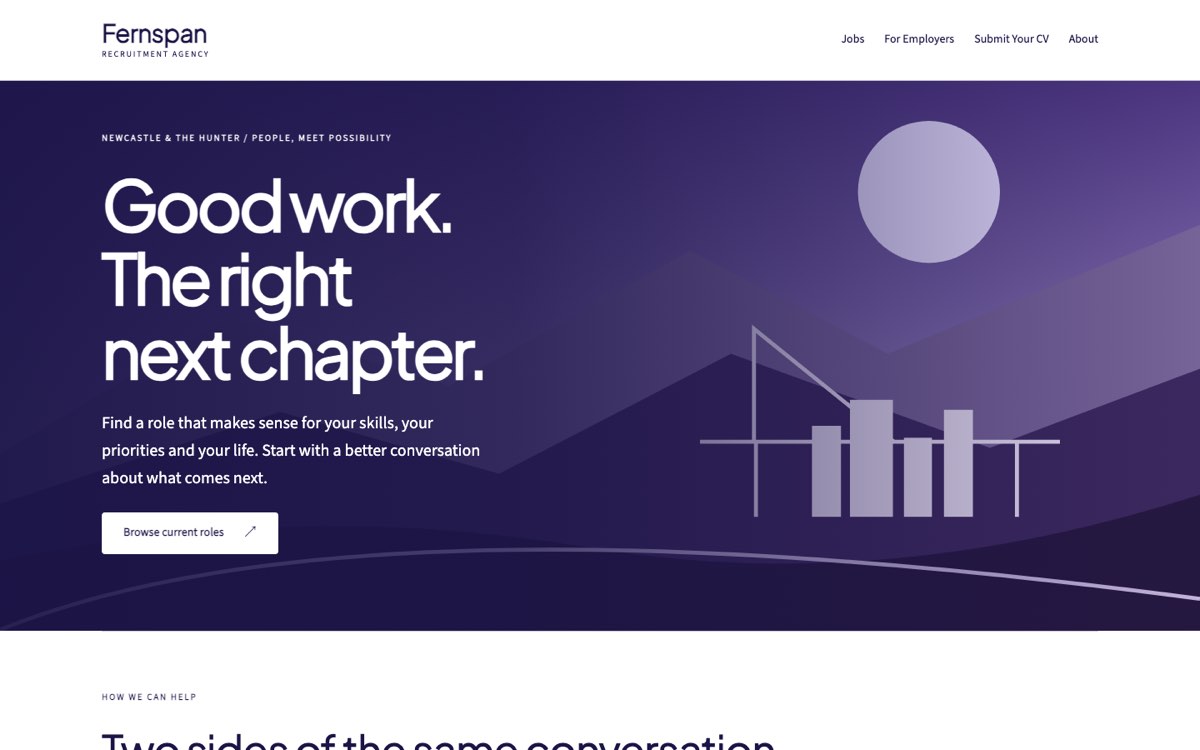
Fernspan Talent is a fictional agency that VirtueInfo created for this demo. It is not a client, and the four roles on its board are samples with no real employers behind them. Everything on the site works, so you can try it from either side of the desk.
The home page splits into three paths: jobs, employers and CV submission. A longer section below speaks to candidates and employers in turn and repeats the consent promise.
The signature feature is the filterable job board. A search box matches any word in a listing, and two drop-downs narrow the list by discipline (operations, technology or administration) and by on-site or hybrid work. The count of matching roles updates as you type, a message appears when nothing matches, and one button clears every filter. Each card shows a role reference such as TECH-02, the location, the arrangement, a short description and notes on what to ask.
The "Discuss this role" button on each card leads to the CV page with the reference already filled in, so the consultant knows which job prompted the message. The CV upload is optional, shows the selected file name and has a button to clear it.
The For Employers page covers defining the role, how updates and feedback work, and what to bring to a first briefing call. The About page lists the towns covered, from Lake Macquarie to Port Stephens, and states the disciplines the agency focuses on.
Local SEO built in
Each page carries schema.org structured data for an EmploymentAgency, with the city served and office hours. Inner pages add Service and breadcrumb markup.
Page titles are written for local searches: "recruitment agency Newcastle and Hunter" on the home page, "current jobs in Newcastle and the Hunter" on the board and "submit your CV to a Newcastle recruiter" on the form. Suburbs and towns appear in the body text as well. The agency name, hours and area are written to match your Google Business Profile.
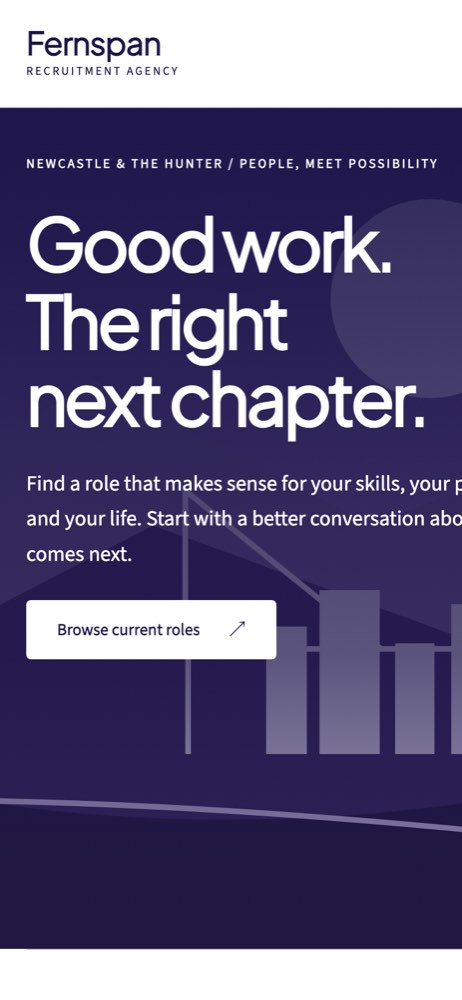
The illustration is drawn in code and the fonts are self-hosted, so the board loads fast on mobile data. The demo is kept out of search results because Fernspan is fictional. A client site launches fully indexable with a sitemap and canonical tags, and live job pages can carry JobPosting markup so roles can appear in job search results.
Notes for each market we serve
India
We write in Indian English, with salaries in rupees and often shown as lakh per annum. Candidates expect to reply on WhatsApp, so each job card can carry a WhatsApp button with the role reference in the message. Experience bands and notice period are common filters to add.
USA
We switch to American spelling, dollars and the word "resume". Several states and cities require pay ranges in job ads, so the job card has a field for it. Equal opportunity wording sits on the job board and the application form.
Canada
We use Canadian spelling, Canadian dollars and a "resume" upload. Agencies recruiting in Québec need French listings and pages, and a bilingual board can switch language per role. Some provinces license or register recruiters, so that number can go in the footer.
Australia
The demo is already Australian: Australian spelling, "CV" wording, suburbs across the Hunter and a reminder to keep tax file numbers out of forms. Your ABN goes in the footer, along with any state labour hire licence you hold. Salary can show with or without superannuation, as you prefer.
Finland
We build the board in Finnish, Swedish and English, since many technical roles are advertised in English. Salaries show in euros per month. Candidates expect a clear note on how their data is handled under the GDPR, and your business ID sits in the footer.
What we deliver and how the project runs
We design to your brand rather than the Fernspan look, and write the candidate and employer copy with your consultants. Disciplines, filters and role references are set up to match how your desks are organised.
Applications and employer briefs go where your team works: email, WhatsApp, your CRM or your ATS. CV files can go to a secure store rather than an inbox.
At hand-over you get the code, the hosting setup and a guide to posting and closing roles. We build the job board and integrations as custom application development, so they fit your process instead of forcing a new one.
Tell us how many roles you usually carry and where they live today, and ask us for a quote.